| Steps |
Screens |
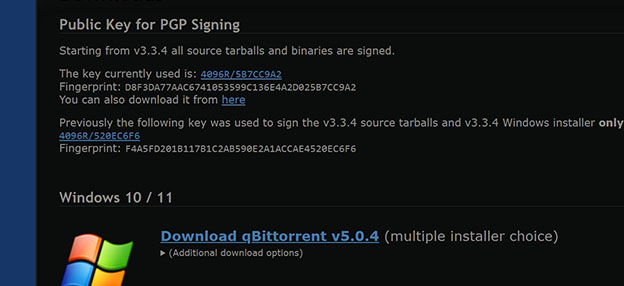
| Get Torrent download program at Qbittorrent.org. Then click Download qBittorent v5.0.4. Install that program. |
 |
Then to get the actual files, you can either go to:
https://unblockit.pages.dev/ for a layer of hiding a bit better, or just go straight to...
https://piratebayproxy.net/ to jump straight to TPB. |
|
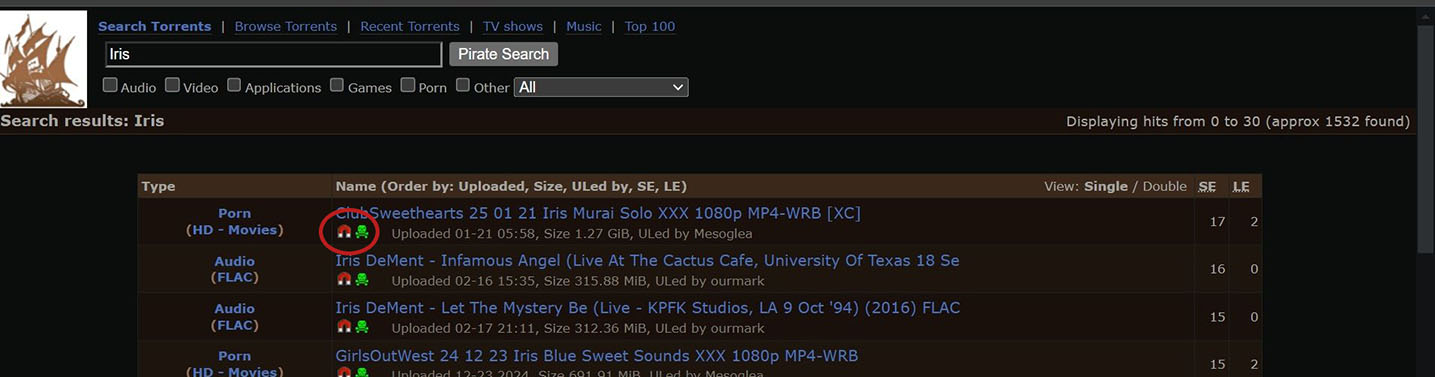
| Make your search, such as finding your porn, and you will come to this page of results. When you find what you want, don't bother clicking the name, just click the magnet. |
 |
| That should automatically open up qbittorrent, where you can just click "OK" to start the download. |
|
Note: This part is for Windows 11. I would think it is the same for Win 10, but it has been so long since I used Win 10, I can't be sure.
Also, these next parts are what you want to get rid of to help not get busted.
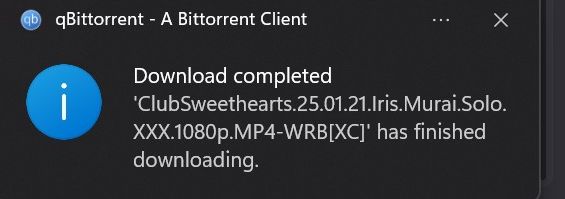
When it is done downloading, I get a notification in the lower right corner of Windows. I can click that and it can open qbit again.
If you don't see the pop-up or it doesn't happen, you can click down in the toolbar and manually open qbit that way (I explained that horribly.)
|
 |
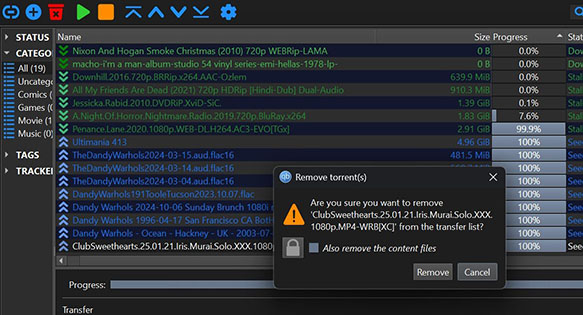
| So, once your porn movie is downloaded and you have opened qbit, highlight the completed file listed. Then click on the rec "remove" garbage can in the upper left of the page. Once you have deleted it, there is no way for them to know what you did, for lack of a better word. DON'T click on "Also remove the content files." |
 < <
 |
At that point, the movie should be downloaded and no one is much the wiser.